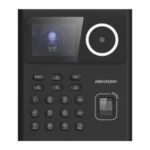
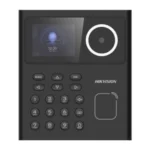
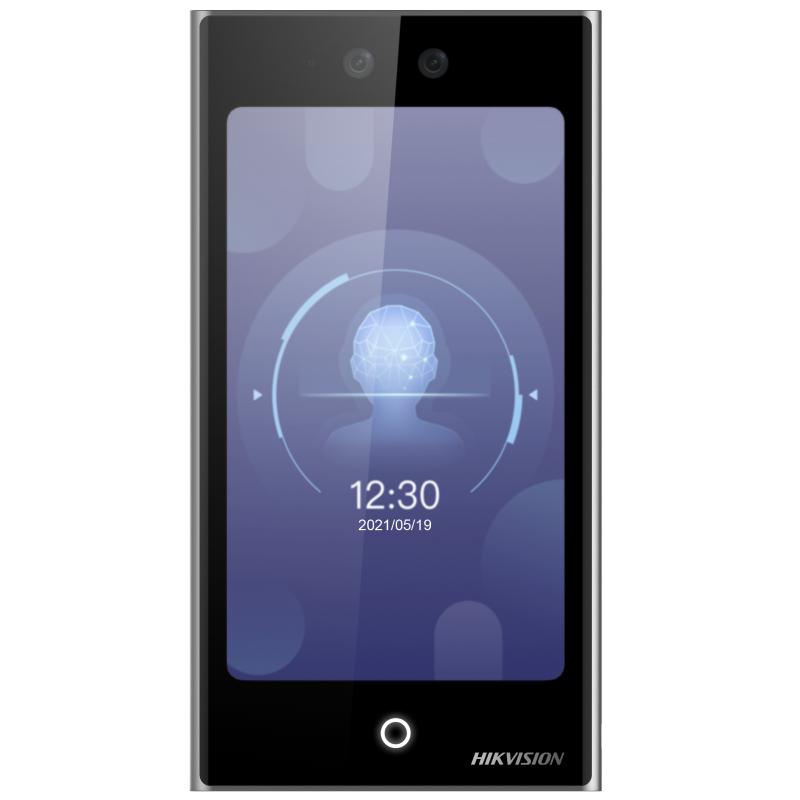
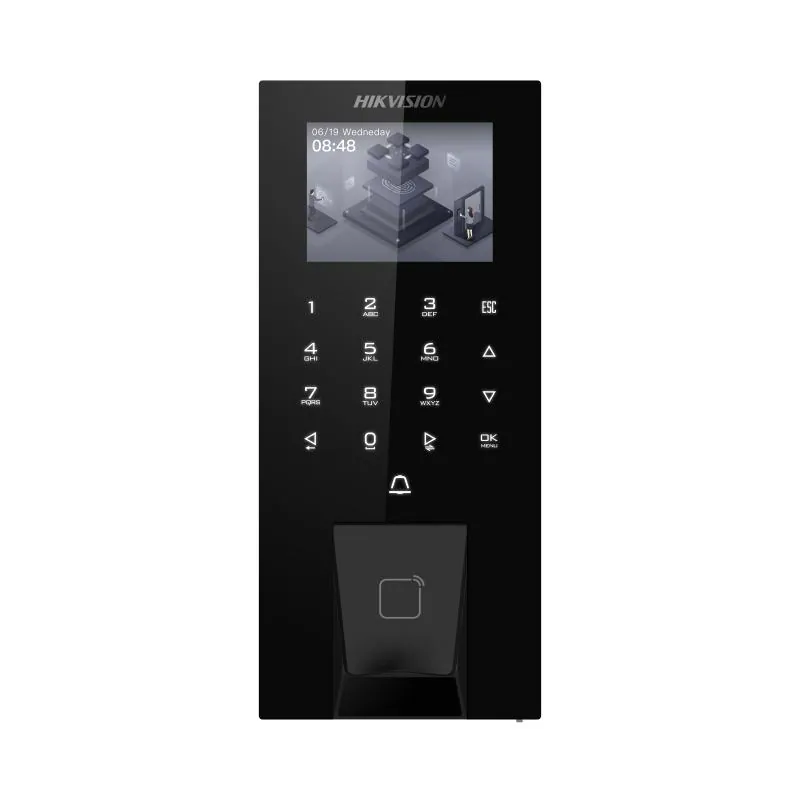
The DS-K1T320MWX is a Hikvision K1T320-series face recognition access terminal, and like every terminal in that family it arrives as hardware and leaves as a database problem. Mounting and wiring it is the easy part. What nobody quotes for is the afternoon somebody spends beside it, one member of staff at a time, building the face records without which it is an expensive doorbell.
This variant’s suffix defines its credential and connectivity mix, so confirm that on the datasheet before ordering — the K1T320 line is sold in several near-identical boxes. Past that, the real decision is not a hardware one: it is who owns the enrolment list, settled before the order rather than after handover.
Where it fits
It earns its place where the client has a fixed, known population passing through a few doors, and somebody on site with the time and authority to keep the records honest — a head office with an HR administrator, or a workshop supervisor who knows every face on the floor.
It fails where nobody was named. On a factory or a hospital, enrolment is not an afternoon: staff work shifts, so you will not get them all in front of the terminal on one day. That means a window per shift, agreed before delivery, with someone rostered to run it. Then it never stops: new starters, contractors, and people whose appearance has changed enough that the terminal argues with them.
And the leavers are the whole game. A face record nobody deleted is a former employee who still opens a door. Say it plainly at quotation stage: the security of a face system is not decided by the hardware, it is decided by how quickly leavers are deleted. Put deletion in the exit checklist beside collecting the laptop, name who is accountable, and agree how it is audited.
Before you order — three things to confirm
- Who owns enrolment — a named person at the client, not “HR” as a department, with the rights and training to add and remove records. Get the name before the order goes in.
- When the enrolment session happens — count shifts, not headcount. Agree dates and a room, and settle whether your team runs it or hands it over.
- The credential and connectivity mix — the siblings look alike on a shelf. Check the datasheet against what the door and the network can actually provide, including how the unit is powered.
Technical specifications
- Manufacturer: Hikvision
- Model: DS-K1T320MWX
- Screen size: 2.4 inch
- Type: LCD
- Lens: 1
- Resolution: 2 MP (video stream: 720P)
- FOV: HFOV = 43°; VFOV = 25°
- Wired network: Support
- Wi-Fi: Support, 2.4 G, 802.11b/g/n
- Network interface: 1 RJ-45, 10/100 M self-adaptive
- Lock control: 1
- Exit button: 1
- Door contact input: 1
- TAMPER: 1
- USB: 1
- Card type: M1 card
- Built-in access controller: Support
- Power supply: 12 VDC
- Power consumption: ≤ 6 W
- Working temperature: -10 °C to 55 °C (14 °F to 131 °F)
- Working humidity: 0 to 90% (No condensing)
Figures from Hikvision’s published datasheet. We confirm the revision in stock when we quote.
Compatibility
The terminal belongs in Hikvision’s own access control ecosystem and is meant to be administered centrally rather than device by device — which is what makes bulk enrolment and, above all, prompt deletion practical. Confirm which management platform the current revision expects, and that the client’s installation is on a version that accepts it. If the credential mix proves wrong for a door, compare this unit with its sibling DS-K1T320MFWX on the datasheets first.
What’s in the box
The terminal and the manufacturer’s own packaged documentation and accessories for the current revision. Do not assume a power supply, a lock, an exit button, cabling or a mounting box is included. Locks and exit devices are specified separately; contents vary between revisions, so we confirm what ships against your order.
Common questions
How long should we allow for the initial enrolment?
Plan by shift pattern, not headcount. A single-shift office is one sitting; a shift site needs a session per shift, on a day that shift is in.
What happens on the day somebody leaves?
The record is deleted that day, by the named administrator, as part of the exit checklist — the same moment as the laptop and the keys. Left to a monthly tidy-up, the client has a door that opens for people who no longer work there.
Can we enrol staff without them attending in person?
Ask before you promise it. Whether records can be created from supplied photographs depends on the management software and this revision’s capability — a datasheet question, not a sales one. Call 16454 and we will check.
Genuine Hikvision from the authorized Hikvision agent in Egypt, official one-year manufacturer warranty, delivery across Egypt, and professional installation in Cairo & Giza, priced after a site assessment. For project quantities, installation or a site review, call 16454.



 Courier delivery
 Courier delivery
  Warranty 1 year
  Free 14-Day returns



Reviews
Clear filtersThere are no reviews yet.