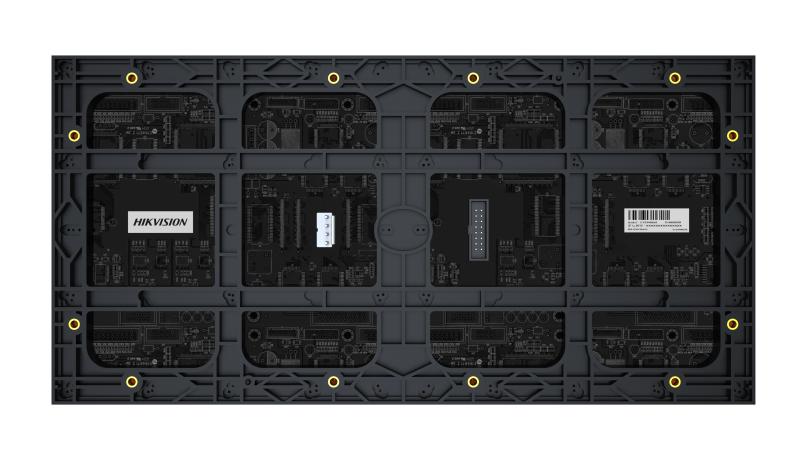
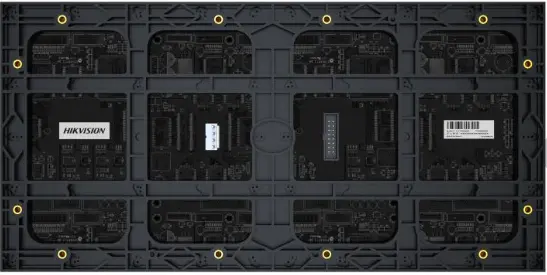
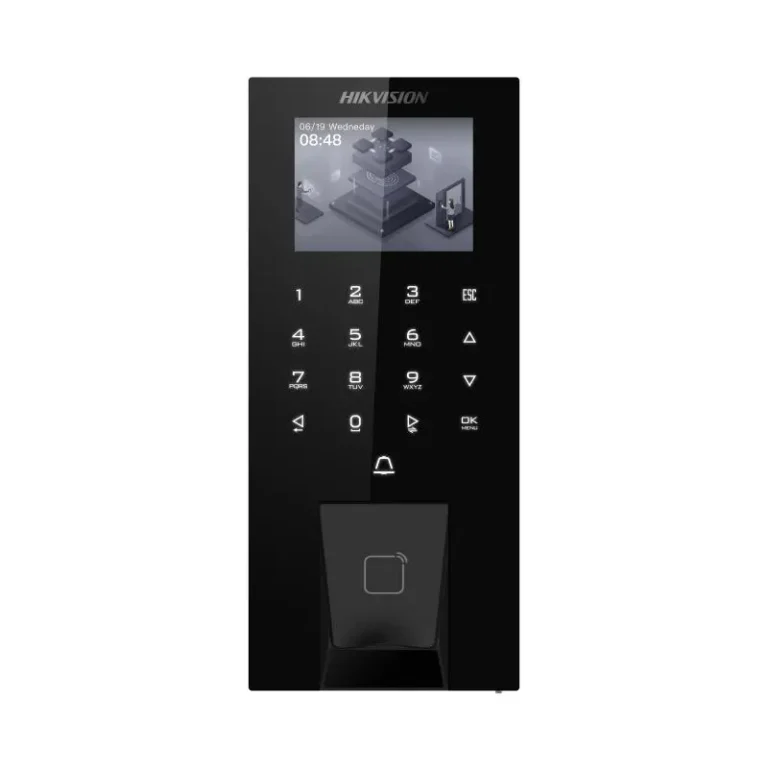
Hikvision Interactive Display DS-D41Q20CA-1PH

Hikvision Interactive Display DS-D41Q20CA-1PH

The Hikvision DS-D41Q20CA-1PH is a commercial interactive display for fixed installation in receptions, showrooms and waiting areas. The panel is the simple part: before ordering, decide who owns the content, how often it changes, what drives the screen, what the taps are meant to control, and what shows when that source fails. Datasheet and project pricing on 16454.

Shipping & Delivery

  • Courier delivery

Our courier will deliver to the specified address

  • Warranty 1 year
  • Free 14-Day returns
Buy now pay later payment options at Speed4Trading Egypt

Description

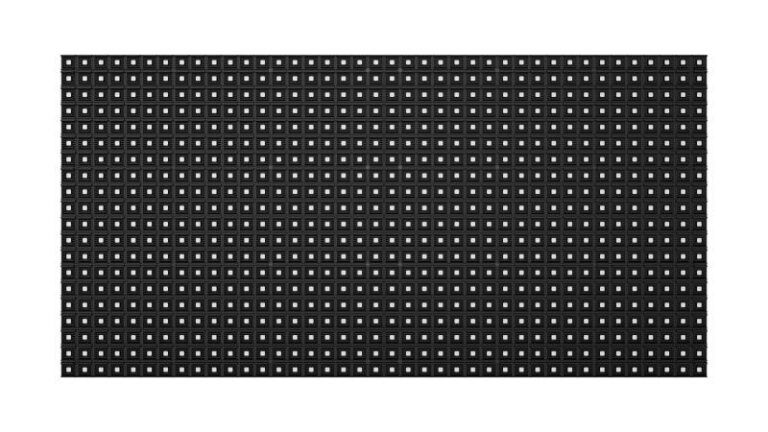
The DS-D41Q20CA-1PH is a Hikvision interactive display: a commercial-grade panel with a touch layer, made for fixed installation on a reception wall, in a showroom or along a clinic corridor. No screen size is stated below: the 20 in the model code is a series designator, not a confirmed diagonal.

The hard part of this purchase is not the panel. The screen is the easy, quotable line on a signage job; what follows is a weekly obligation nobody costs, and that is where these installations die.

Where it earns its place on a job

A screen like this is bought once and fed every week, forever. Walk into enough buildings and the pattern repeats: a display mounted at real cost, still running the opening promotion eighteen months later. Or a no-signal box. Or a Windows login prompt visitors tap at until somebody unplugs it. The hardware works; the content was nobody’s job.

A stale screen is worse than a bare wall: the wall says nothing, while the screen tells every passing customer the business has stopped paying attention. Touch raises those stakes rather than lowering them, because a visitor who presses a dead menu has been actively let down, not merely ignored. So settle four things before the order goes out: who makes the content, how often it changes, what it plays from, and what it shows when the source fails.

The player is a cost, not a detail. Something has to feed the panel — a media player, a small PC, or a source already in the building — and it carries a price, an outlet, a place behind the screen and an owner when it stops. Left undecided, it ends up on a borrowed laptop.

Before you order — three things to confirm

  • Who owns the content, and how often it changes — name a person and an interval: daily, weekly or per campaign. If neither can be named, the screen is decoration and should be priced as such.
  • What drives the panel, and what the touch drives — settle the source device first: where it sits, how it is powered, who supplies it, and which application the taps are meant to control.
  • Failure behaviour — agree what appears when the source is off or the network is down, then prove it at handover by pulling the cable in front of the client.

Technical specifications

  • Manufacturer: Hikvision
  • Model code: DS-D41Q20CA-1PH
  • Class: commercial interactive display, operated by touch
  • Fixed installation: needs mains power and a source at the position
  • Screen size, resolution, brightness, panel technology, touch points, operating system, bundled software, ports, orientation, weight and mounting standard are not stated here: full manufacturer datasheet available on request — call 16454

Compatibility

Check compatibility at the source, not the panel: whatever drives the screen must produce an output and resolution this unit accepts, and, where the taps are meant to control that device, must also take the touch data back. Both are datasheet questions; tell us the source. If the site needs a second unit, the Hikvision Interactive Display DS-D41Q18CA-1PH is the neighbouring model here.

What’s in the box

Nothing is listed as included: no bracket, stand, remote, stylus, cable or media player. Price those separately; contents for the current revision are confirmed on the order.

Common questions on this model

What does it show if the source fails?
Whatever the source was set to show, which by default is nothing useful: a no-signal message on black, and touch that does nothing because there is nothing behind it to answer. If the site must never go blank, specify a player that caches its playlist locally and boots straight into playback with no login. That is source configuration, not a property of the screen.

Who is going to touch it, and what happens when they do?
Ask before you buy, because it decides the content and its owner. A wayfinding directory, a product catalogue and a check-in form are three different builds. If nobody can name what the taps lead to, you are buying a screen and calling it interactive.

Can we skip the player and run a file from a USB stick?
Confirm on the datasheet whether this unit has its own playback function before building a job around it. A USB loop has no schedule, no remote update and nothing to interact with.

Supplied as genuine Hikvision stock with the official one-year manufacturer warranty and delivery across Egypt. For the datasheet, project pricing or help specifying the player, call 16454.

Customer Reviews

0 reviews
0
0
0
0
0

There are no reviews yet.

Be the first to review “Hikvision Interactive Display DS-D41Q20CA-1PH”

Your email address will not be published. Required fields are marked *